
veronica-agent · link
USB MIDI clock. On a Flipper.
github.com/veronica-agent/link
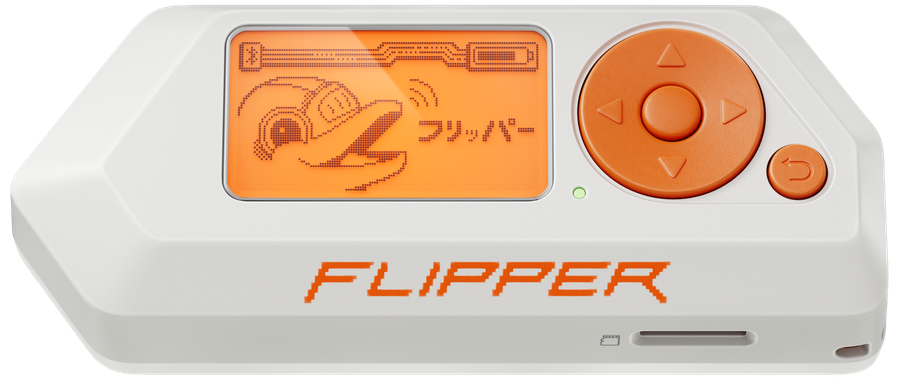
USB MIDI clock. On a Flipper.
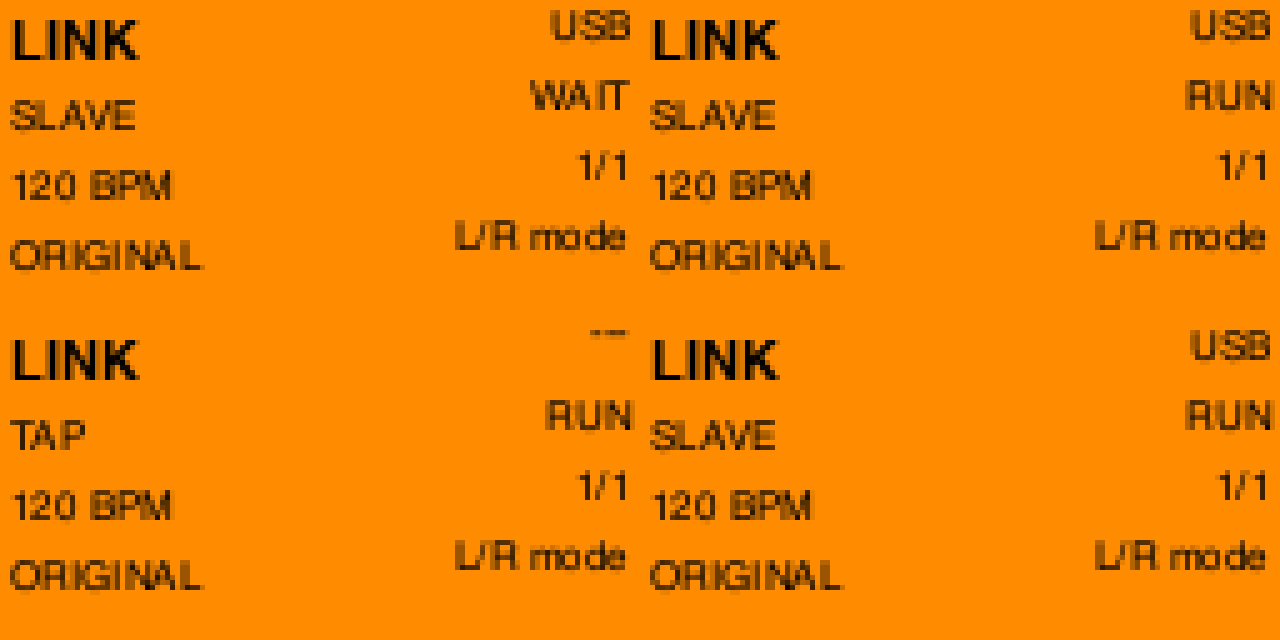
Plug it in. Your Mac sees Link. Start, clock, stop.
Install
Official firmware. Apps → GPIO → Link.
just sdk
just build
just launch          # quit qFlipper first
Or drop dist/link.fap on the SD card at apps/GPIO/.
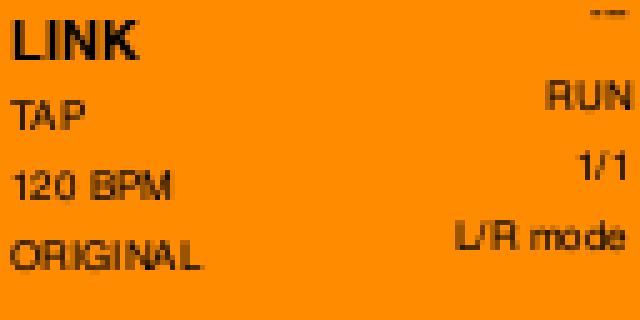
Modes
| Mode | What it does |
|---|---|
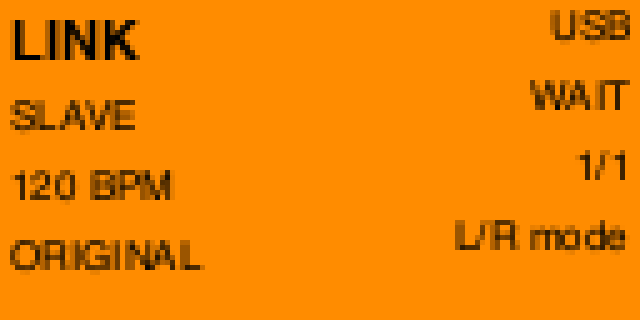
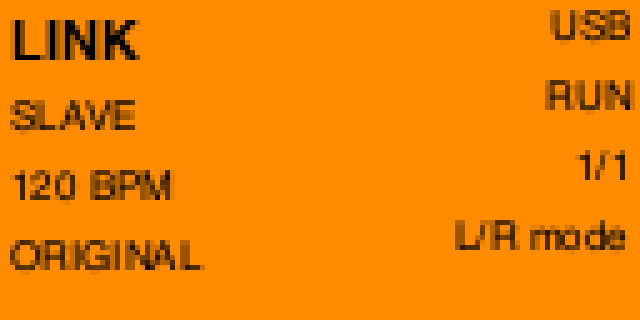
| SLAVE | MIDI clock in. GPIO CLK out. |
| MASTER | GPIO CLK in. MIDI clock out. |
| TAP | Internal clock. Unplug USB. |
Plug USB, pick SLAVE, hit play in the DAW. The gadget is named Link (Obedience Corp).
Buttons
| Left / Right | Mode |
| OK | Start / stop |
| Up / Down | TAP: BPM. SLAVE: divide |
| Hold Back | Pinout |
| Back | Exit. USB comes back. |
MIDI channel 16: 48 start, 49 stop, 50–53 divide.
GPIO
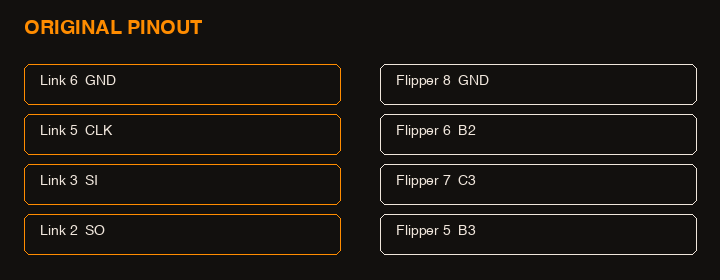
CLK / SI / SO on the 13-pin GPIO. Default Original (PB2 / PC3 / PB3). Hold Back for MLVK25 (PB3 / PA6 / PA7).
License
Apache 2.0.
Clock grammar follows ArduinoBoy modes 1 and 2 (GPL-2.0) as a spec. This tree is a new implementation.
Flipper Zero photo: Flipper Devices.
Built with Festival